Instagram Bio Link Not Working in 2026? 9 Quick Fixes That Take 30 Seconds
Your Instagram bio link isn't clickable, shows a blank page, or returns an error? This guide walks through the 9 most common reasons bio links break in 2026 and how to fix each one — most fixes take under 30 seconds.
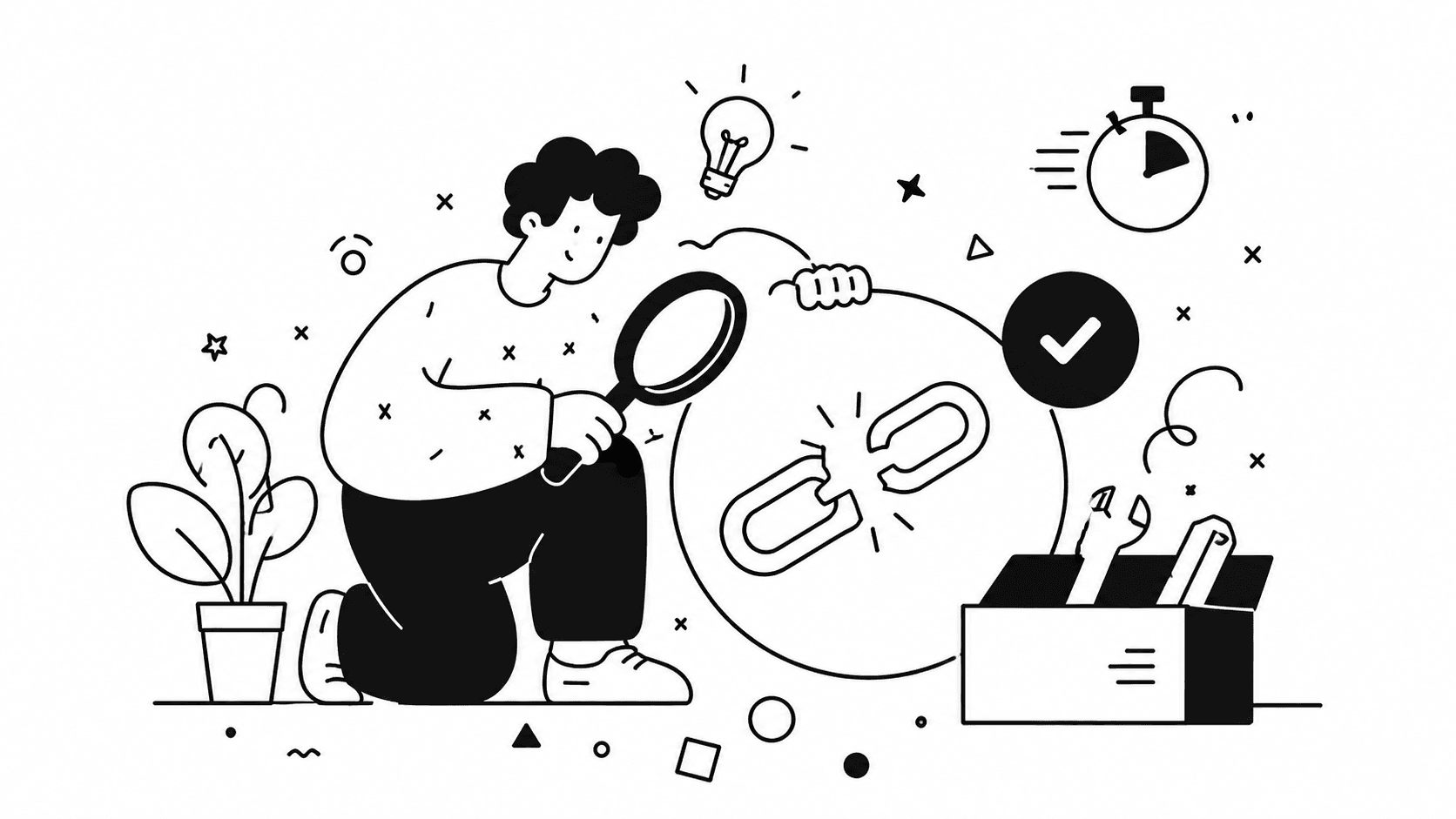
The 5-minute problem that costs you clients
You noticed your followers aren't tapping your bio link. Or worse — someone slid into your DMs: "I wanted to book a call, but your link doesn't work."
That hurts. Every day with a broken bio link is potential clients walking away — people who would have booked a consultation, downloaded a guide, or signed up for your service.
The good news: in 95% of cases, the fix takes 30 seconds.
I went through the 9 most common reasons Instagram bio links break in 2026 and put together a quick fix for each one. Start at the top — the first three solve most issues.
1. The link is in the wrong field (the most common cause)
Instagram gives you two different places to add a URL:
- The Website field in profile editing — the link becomes clickable underneath your name
- The Bio field (your description) — links pasted here do not become clickable
If you pasted your URL into the bio description, it shows up as plain text. Followers see it, but they can't tap it.
Quick fix (15 seconds):
- Open Instagram → your profile → Edit profile
- Find the Website field (or Links on newer versions)
- Paste your URL there
- Save
Your link will appear as a tappable element below your bio text within a couple of seconds.
2. The URL is missing https://
Instagram requires a full URL. If you typed suiteble.com/@yourname without https://, the link may not save at all — or it saves but doesn't function.
Quick fix (10 seconds):
Replace:
- ❌
suiteble.com/@yourname - ❌
www.suiteble.com/@yourname
With:
- ✅
https://suiteble.com/@yourname
Always start your URL with https://. It's 8 extra characters that guarantee Instagram accepts the link.
3. The Instagram app cache hasn't updated
Sometimes you change your link, but Instagram keeps showing the old one — especially in the mobile app. This is a cache issue, not a link issue.
Quick fix (20 seconds):
On iPhone:
- Close Instagram completely (swipe up + flick the card away)
- Reopen it
- Check your profile
On Android:
- Settings → Apps → Instagram → Clear Cache
- Reopen Instagram
If the problem persists, ask a friend to open your profile on a different device. If your link works for them, the problem is definitely your phone's cache, not your bio.
4. The link points to a deleted page
This happens more often than people realize. You set up a bio link pointing to:
- A Google Doc you later deleted
- A Calendly page you disabled
- A Linktree you abandoned
- An old website you took down
Visitors tap — and land on a 404 or a blank page.
Quick fix (30 seconds):
- Open your own profile in an incognito Chrome window
- Tap the link as a regular visitor
- If you see an error, replace the link in Instagram
Pro tip: Audit your bio link once a month. Especially if you rely on third-party services — they sometimes change URL structures without notice, breaking every old link silently.
5. Instagram's anti-spam filter blocked the domain
Instagram automatically blocks links to domains its algorithm considers suspicious. This happens with:
- Free link shorteners (bit.ly occasionally gets flagged)
- Obscure domains without HTTPS
- Sites with a poor reputation (even if it's not your fault)
Sign of a block: Instagram throws an error when you try to save, or the link silently disappears after saving.
Quick fix (1 minute):
Use a link from a trusted domain:
- Your own domain (
yourname.com) - A platform with a strong reputation (suiteble.com, calendly.com)
- Avoid brand-new shorteners
If you want short links for tracking, pick a platform that runs on its own HTTPS domain — Instagram will let those through without issue.
6. The URL contains spaces or special characters
Instagram poorly handles URLs with spaces, non-Latin characters, or unusual symbols like &, ?, = in unexpected positions.
Example of a problematic link:
https://example.com/my page?id=123&ref=insta&utm_source=ig
Quick fix (30 seconds):
Option 1: Use a URL without spaces or special characters:
https://example.com/my-page
Option 2: Create a short link with a clean slug:
https://suiteble.com/l/booking
A short link looks cleaner and gives you analytics — you'll know exactly how many people came from Instagram, separately from other sources.
7. You hit Instagram's 5-link bio limit
In 2023, Instagram raised the bio link limit from 1 to 5. In 2026, plenty of coaches still hit that ceiling — trying to add a 6th or 7th link that simply won't save.
Quick fix (1 minute):
If you have more than 5 links you actually need, switch to a bio link page. One URL in your Instagram bio leads to a page that holds all your offers: booking, services, lead magnets, testimonials, social profiles. No limits.
The cleanest way to do this is a platform built specifically for it. Suiteble, for example, gives you:
- Unlimited blocks on one page
- Built-in calendar booking so clients can pick a time without leaving your page
- Source-based block visibility — Instagram visitors see one CTA, LinkedIn visitors see another
- Click analytics on every block, so you know what actually converts
You can rebuild a full bio link page in about 10 minutes, and you'll never hit Instagram's link limit again.
8. Instagram opens your link in its in-app browser
Your link works — but when someone taps it from Instagram, it opens inside Instagram's own in-app browser instead of Safari or Chrome. This breaks more things than people think:
- Pages with Google or Facebook login fail because in-app browsers block third-party cookies
- Calendar booking widgets sometimes show broken layouts or refuse to load timeslots
- Payment forms fail to autofill, dropping checkout conversion
- Users can't bookmark the page or share it from inside the in-app browser
This isn't really your fault — it's how Instagram funnels traffic to keep users in the app. But it kills conversions, and most coaches never realize it's happening.
How to detect it (1 minute):
Open your own Instagram profile on mobile and tap your bio link. Look at the top of the screen — if you see Instagram's interface around the page (close X in the corner, three dots menu), you're inside the in-app browser. That's exactly what your visitors see.
Quick fix:
You can't force Instagram to open links externally — that decision is the user's. But you can:
-
Make sure your destination page works in the in-app browser. Test booking, forms, and any logged-in features specifically inside Instagram's browser before you put the link in your bio.
-
Avoid pages that require third-party login (Google Sign-in, Facebook Login) as the first action. If you do need login, offer email-based sign-up as the primary path.
-
Use a bio link page with a simple booking widget instead of redirecting visitors to a complex external tool. The fewer steps inside the in-app browser, the higher your conversion rate.
The shorter the journey from tap to booking, the less the in-app browser limitations matter.
9. Your Instagram account is temporarily restricted
If you've recently broken Instagram's rules — mass-following, comment spam, using bots, posting flagged content — the platform may temporarily disable the clickability of your bio link. The link displays, but tapping does nothing.
How to check (30 seconds):
- Go to Settings → Account Status
- Look for any active restrictions
- If restrictions exist, Instagram will tell you when they'll lift
Quick fix:
If you have confirmed restrictions, wait them out — typically 24-72 hours. While you wait:
- Don't break any more Instagram rules
- Don't try to bypass restrictions from another account
- Don't delete and recreate your profile
Once the restrictions lift, your link becomes clickable again automatically.
How to stop dealing with this problem forever
Most issues above happen because coaches and consultants link directly to Calendly, Google Forms, or external sites. Every direct link is a potential point of failure.
A better setup is using a bio link page as a single entry point:
- Instagram has one link → your bio link page
- The page holds all your offers: booking, lead magnets, services, testimonials
- If something changes (you switch calendar tools, update your offer, rebrand) you edit one block on the page — not your Instagram settings
This matters especially if you:
- Run multiple traffic channels (Instagram, LinkedIn, TikTok)
- Update your offers monthly
- Want analytics on which channel actually drives clients
Try Suiteble free for 30 days →
Bio link, booking calendar, and link tracking for $5/month — instead of $29/month across three tools. No credit card required.
Wrapping up
If your Instagram bio link isn't working, work through the list above from the top. In 90% of cases the fix is in the first three: link in the wrong field, missing https://, or a stale app cache.
If you want to eliminate bio link problems entirely, switch to a professional bio link page. One link that never breaks, plus analytics and automated booking built in.
Create your bio link page in 10 minutes →
This is what a finished coach bio page with automated booking looks like.
Have questions? Email [email protected] — we reply personally.
Frequently Asked Questions
More Articles
Why Your Instagram Bio Link Isn't Converting (And How to Fix It in 5 Minutes)
You're getting profile visits but almost no clicks or bookings from your Instagram bio link. This article explains the most common reasons coaches lose conversions at the bio link stage — and simple fixes that work immediately.
April 19, 2026
What Is a Bio Link Page and Why Every Coach Needs One in 2026
Most coaches spread their links across posts, stories, and DMs — and lose potential clients in the process. This guide explains what a bio link page is, why it matters for client conversion, and how to set one up in minutes.
April 5, 2026