How to Create a Trackable QR Code for Free in 2026 (Without Watermarks)
Most "free" QR code generators add watermarks, expire after 14 days, or don't track scans. This guide covers genuinely free trackable QR code tools, what to look for, and how to set up scan analytics so you know which marketing materials actually get used.
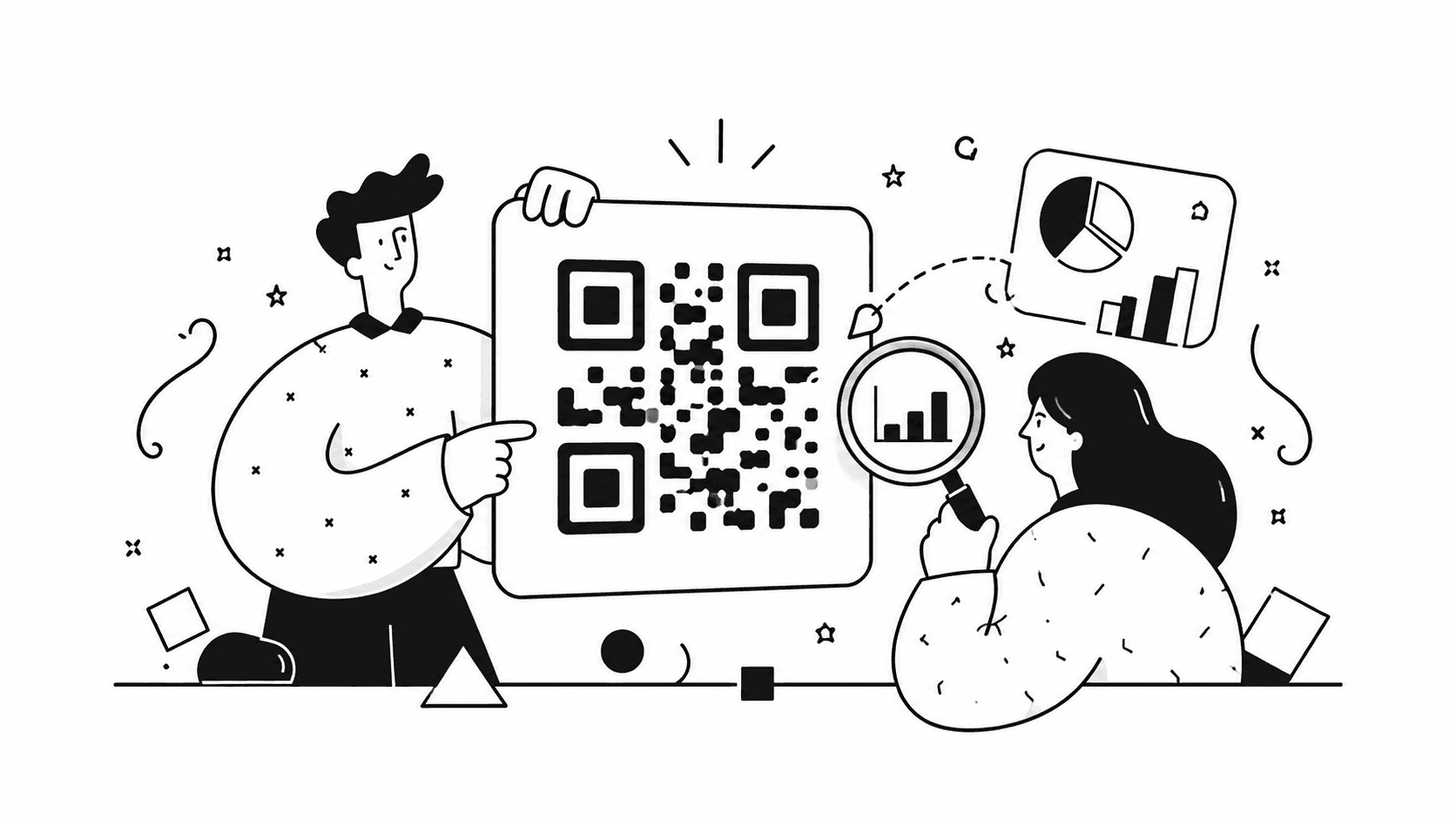
The problem with "free" QR code generators
You search for a free QR code tool. You find one with a clean interface. You generate the code, paste it on a flyer, and print 500 copies. Three weeks later you get curious: how many people actually scanned it?
No data. Or worse — you open the platform and find your code has "expired."
This happens because there are actually two very different things being sold as "free QR codes":
- Static codes — genuinely free, forever, no tracking
- Dynamic codes with tracking — require a server running in the background, which costs money
Most "free" platforms give you #1 and upsell you on #2. That's not deceptive — it's just worth understanding before you print anything.
This guide will walk you through what each option actually gives you, when free tools are genuinely enough, and how to set up proper scan tracking when they're not.
Static vs dynamic QR codes: what actually matters
Before picking a tool, you need to know what type of code you're dealing with.
Static QR codes encode the destination URL directly into the pattern. When someone scans it, their phone reads the URL from the code and opens it — no server involved. You can generate these completely free from dozens of tools, download them in high resolution without watermarks, and they'll work indefinitely with no subscription.
The tradeoff: you can't change where the code goes, and there's no tracking.
Dynamic QR codes encode a short intermediate URL. When scanned, the user's phone hits a server, which logs the scan and redirects them to your actual destination. This is what enables:
- Scan analytics (count, time, device type)
- Destination URL changes without reprinting
- UTM parameter tracking
- Geographic and device breakdowns
The tradeoff: the code only works as long as the service is running and your account is active.
When static is enough: promotional flyers for a one-time event, restaurant menus that link to a fixed page, personal projects where you don't need data.
When you need dynamic: any business material where you want to know what's working — business cards, conference materials, in-store signage, ongoing campaigns.
What free tools actually give you in 2026
Here's an honest breakdown of the main options:
Genuinely free static QR code generators (no strings attached)
These tools generate static codes, let you download PNG or SVG without watermarks, and ask for nothing in return:
- goqr.me — no registration, clean output, API available
- qr-code-generator.com — static codes free, high-res download
- Canva — QR code as a design element, exportable as PNG or SVG
No expiration, no watermarks, no subscription required. These are your best option if you genuinely don't need tracking.
Free tiers with dynamic codes and tracking (limited)
Bitly — 10 short links per month, basic click stats for the last 30 days. Enough to test whether your approach works before committing to anything paid.
QR Tiger — 3 dynamic QR codes on the free plan, limited scan stats. Works for a small pilot.
Flowcode, Beaconstac — free tiers exist but dynamic tracking is gated behind paid plans in practice.
One thing to check: some free-tier dynamic codes get deactivated after extended account inactivity. Before printing a large run, confirm the platform's policy on code longevity.
When it makes sense to pay — and what you should get for $5/month
If QR codes are part of how you run your business — business cards, printed materials, event presence — the free tier ceiling becomes frustrating quickly. 10 links/month doesn't cut it; 3 dynamic codes isn't enough variety to learn anything useful.
The honest threshold: $5–10/month for a tool that gives you unlimited dynamic codes, scan analytics, and short links without artificial caps. That's roughly the cost of two coffees, and it pays for itself if a single offline scan leads to a client.
Where it gets interesting for coaches and consultants: the best value isn't a standalone QR code tool. It's a platform where QR codes come bundled with short links, UTM tracking, and a booking page — tools you'd be paying for separately anyway.
Specialized QR code platforms charge $15–30/month for QR codes alone. That's hard to justify. A $5/month platform that handles your QR codes, short links with click analytics, and client booking replaces three subscriptions you'd otherwise manage separately.
The right setup: short link + UTM parameters + QR code
Regardless of which tool you use, the best-practice workflow is:
- Create a tracked short link with UTM parameters
- Generate a QR code for that short link
- Read scan data through the short link analytics
Tracking lives at the link level, not the QR code level. The QR code is just a convenient way to deliver a URL without asking someone to type it out.
A quick primer on UTM parameters
UTM parameters are tags you add to a URL to identify traffic source in your analytics. For example:
https://example.com/booking?utm_source=business_card&utm_medium=print&utm_campaign=june2026
When someone clicks that link, your analytics platform records: they came from a business card, via print, as part of your June 2026 campaign.
For QR codes, UTMs answer the question you actually care about: which physical material drove this scan?
Step-by-step: creating a trackable QR code in Suiteble
Suiteble is a platform for coaches and consultants that combines short links, QR codes, analytics, and a booking page — $5/month, with a free 30-day trial to test everything before paying.
Step 1: Create a short link with UTM parameters
Go to the Short Links section and create a new link. Fill in the UTM fields:
- utm_source — the physical material (
business_card,conference_poster,coffee_shop_flyer) - utm_medium — the channel (
print,offline) - utm_campaign — campaign name (
june2026,summer_launch)
Your short link might look like: suiteble.com/l/bizcard-june
It already has UTM parameters baked in and will track every click.
Step 2: Generate the QR code
In the QR Codes section, select your short link and click Generate. The platform creates a dynamic QR code tied to your tracked link.
Step 3: Download and use
Download as PNG (for most print uses) or SVG (for print work that needs to scale without quality loss, like large-format posters). No watermarks, print-ready resolution.
If you ever need to change the destination — update the short link. No reprinting required.
Step 4: Read your scan data
In the analytics dashboard you'll see scans over time and click attribution by UTM source. If you created separate links for each material, each one reports independently.
Real scenario: three materials, one destination, clear data
Sarah is a career coach. She hands out business cards at networking events, leaves flyers at two co-working spaces, and has a poster in a gym lobby.
Before: one link on all materials, pointing directly to her booking page. She had no idea what was working.
After: four separate short links, each with its own UTM source:
- Business cards →
utm_source=business_card - Co-working space downtown →
utm_source=coworking_downtown - Co-working space near the station →
utm_source=coworking_station - Gym lobby →
utm_source=gym_lobby
After six weeks: 4 scans from business cards, 51 from the downtown co-working space, 9 from the station co-working, 6 from the gym.
The conclusion writes itself. She doubles down on the downtown space, rethinks the gym placement, and redesigns the business card to see if the number improves. Without the data, she would have kept spending equally on all four.
Practical tips before you print anything
Minimum print size is 2×2 cm. Below that, most phone cameras struggle to read the code reliably. For posters, go 5×5 cm or larger.
Always scan before printing. Test on both iOS and Android before sending files to the printer. Two minutes now, a lot of money saved if something's wrong.
Add a call to action next to the code. "Book a free call," "Download the guide," "See the menu" — concrete text next to a QR code increases scan rates 2–3x compared to a bare code with no context. People need to know what they're scanning into.
One code per material, not one code for everything. If all your materials use the same link, your data is useless. Different links per material is what turns analytics into decisions.
Avoid glossy surfaces. Glare from glossy lamination interferes with scanning. Matte lamination or uncoated paper works better for QR codes specifically.
How to stop guessing which materials work
Most coaches and consultants print materials and hope for the best. The setup described above — separate short link per material, UTM parameters, QR code per link — turns that into a feedback loop.
It takes about 10 minutes to set up properly the first time. After that it's automatic: every scan gets logged, every source gets attributed, and you always know where to put your next $50 of print budget.
If you want to try this without committing to anything, Suiteble's 30-day trial includes full access to short links, QR codes, and analytics. No credit card required.
Start your free 30-day trial →
Wrapping up
The short version:
- Static QR codes are genuinely free forever — use them when you don't need tracking
- Dynamic QR codes with analytics require a paid service — free tiers exist but have real limits
- The right setup is: short link with UTM parameters → QR code → analytics per material
- Create a separate code for each physical material — otherwise the data is noise
- Test before printing, add a CTA next to the code, and use matte surfaces
If you're running a service business and using offline materials to get clients, scan tracking is one of the cheapest ways to stop wasting money on things that aren't working.
Questions? Email [email protected] — we reply personally.
Frequently Asked Questions
More Articles
QR Codes in Offline Marketing. When They Work - and When They’re a Waste of Time
A practical guide to using QR codes in offline marketing, where they actually drive results, common mistakes businesses make, and how to decide if a QR code is worth using at all.
March 31, 2026
How to Understand Where Customers Actually Come From
A practical guide to basic marketing analytics that helps you identify real customer sources without complex tools or expensive systems.
March 31, 2026